Timestamps
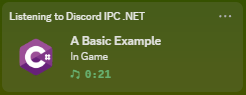
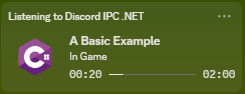
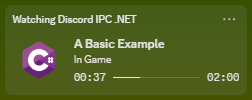
You can display timers and progress in your activity. However, Discord likes to change their mind on how these are displayed. Below is a matrix of all the variety of timers you can set and what they will do for each Activity Types:
| Activity Type / Timestamps | null |
Timestamps.Now |
Timestamps.FromTimespan |
|---|---|---|---|
| Playing | 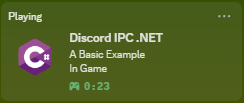 |
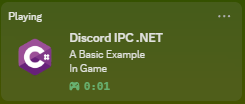 |
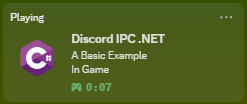 |
| Listening | 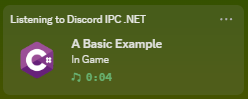 |
 |
 |
| Watching | 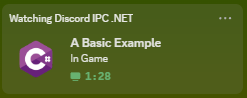 |
|
 |
| Competing |  |
 |
 |
Your control over what is displayed is limited. You use to be able to set a count down timer in a Playing activity, but Discord has since removed that. Now the only purpose of setting a timestamp is for Listening and Watching activities.
As an example, the following snippet of code will make it as if you are playing a Video.
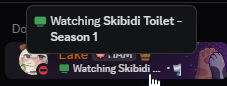 |
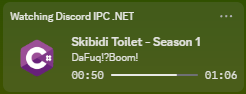 |
client.SetPresence(new RichPresence()
{
    Type = ActivityType.Watching,
    StatusDisplay = StatusDisplayType.Details,
    Details = "Skibidi Toilet - Season 1",
    State = "DaFuq!?Boom!",
    Timestamps = Timestamps.FromTimeSpan(66),
});
Tip
This library provides a variety of ways to set the time.
The Timestamps will allow you to use seconds, or a System.DateTime.TimeSpan.